
Have you ever wondered if your current television experience is truly giving you the freedom you deserve? Many viewers feel restricted by traditional cable packages that lack flexibility and modern features. We believe that upgrading your home entertainment with iptv is the most effective way to regain control over your viewing habits.
Building a reliable digital environment allows you to access global content with ease. By following our expert guidance, you can transform your living space into a high-definition hub. We focus on essential components that ensure your transition remains seamless and efficient.
Achieving the perfect iptv home setup requires careful planning and the right hardware. Our guide provides actionable steps to help you optimise your connection for consistent, high-quality streaming. Let us help you realise the full potential of your digital media library today.
Table of Contents
Essential Hardware for Your IPTV Home Setup
Building a reliable entertainment system starts with selecting the right hardware components. When you focus on quality equipment, you ensure that your media streams remain fluid and consistent. This approach is the foundation of any successful iptv home setup.
Choosing the Right Streaming Device
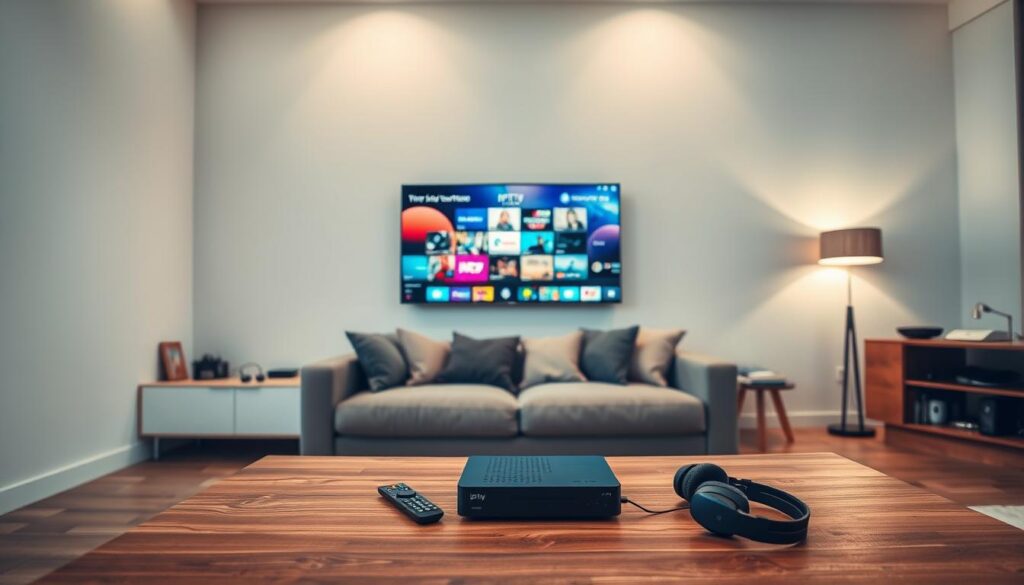
The streaming device acts as the brain of your entire system. We recommend choosing powerful hardware like an Amazon Fire TV Stick or an Nvidia Shield to handle high-definition content without lag. These devices offer the processing power needed for a smooth user experience.
If you are looking for the best iptv setup tips, prioritising a device with a dedicated operating system is essential. A robust processor prevents stuttering during live broadcasts. This choice is particularly important for those who want a reliable and long-lasting configuration.
The Importance of High-Speed HDMI Cables
Many users overlook the cables that connect their devices to the television. However, using high-speed HDMI cables is critical to maintain signal integrity. These cables ensure that the data travels from your streaming box to your screen without loss of quality.
A high-quality cable supports the bandwidth required for 4K resolution and high frame rates. By investing in certified cables, you avoid common visual artefacts and connection drops. This simple upgrade is one of the most effective best iptv setup tips for maintaining a crisp picture.
External Storage and Peripheral Considerations
Managing your media library effectively can significantly improve your system’s responsiveness. Adding external storage allows you to cache content locally, which reduces the load on your network during peak hours. This is a helpful strategy for an iptv setup for beginners who want to avoid buffering.
Furthermore, consider adding peripherals like a wireless keyboard or a dedicated remote to improve navigation. These tools make managing your interface much easier and more intuitive. By organising your hardware correctly, you create a seamless iptv setup for beginners that functions perfectly every time you switch on your television.
Selecting the Right Network Infrastructure
When you are setting up IPTV at home, your network infrastructure acts as the vital heartbeat of your entertainment system. A stable connection ensures that your high-definition streams remain smooth and free from annoying interruptions. We recommend evaluating your current hardware to ensure it can handle the demands of modern streaming services.
Optimising Your Router Placement
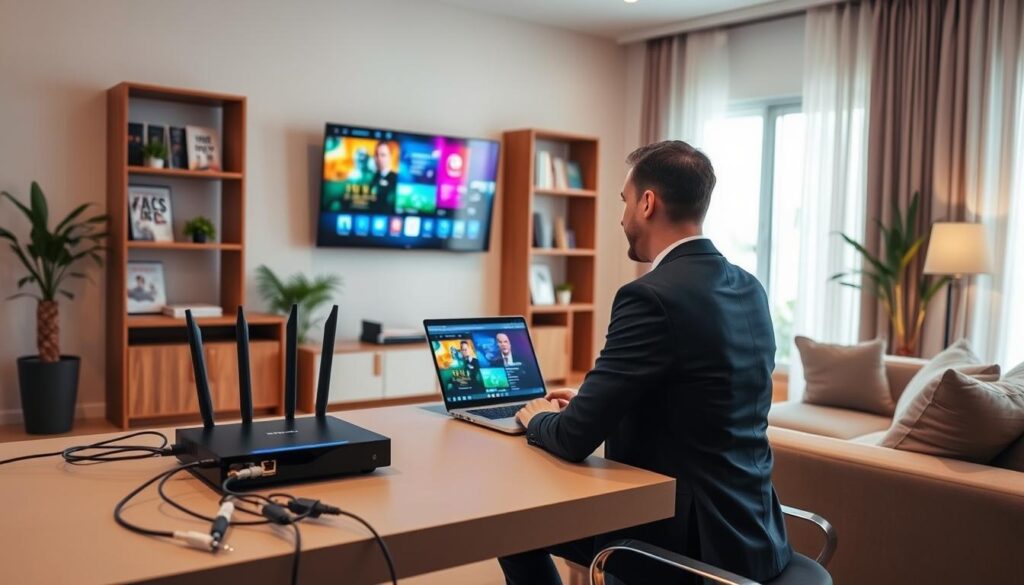
The physical location of your router significantly impacts the quality of your signal. Walls, floors, and large metal objects often create interference that degrades your connection speed. We suggest placing your router in a central, elevated position to ensure the signal reaches every corner of your living space.
Avoid tucking your router inside cabinets or behind your television set. Keeping the device in an open area allows for better airflow and prevents overheating, which is crucial for maintaining consistent performance.
Wired versus Wireless Connectivity
Choosing between a wired or wireless connection depends on your specific home layout and hardware capabilities. While Wi-Fi offers convenience, a wired connection provides the ultimate stability required for high-bitrate content.
- Ethernet (Wired): Offers the lowest latency and is immune to signal interference from other household devices.
- Wi-Fi (Wireless): Provides flexibility in device placement but may suffer from congestion in busy environments.
If you choose to use Wi-Fi, ensure your router supports the 5GHz band for faster data transfer rates. This is one of the most easy steps to set up IPTV at home for users who prefer a clutter-free environment without long cables.
Managing Bandwidth for High-Definition Content
High-definition streaming requires a steady stream of data to prevent buffering. We advise monitoring your network usage to ensure that other devices are not consuming excessive bandwidth while you are watching your favourite programmes.
Many modern routers include Quality of Service (QoS) settings that allow you to prioritise traffic for your streaming device. By following these easy steps to set up IPTV at home, you can effectively allocate resources to your media player. This simple configuration ensures that your viewing experience remains uninterrupted, even when other family members are active online.
Step-by-Step Configuration of Your IPTV Device
Transforming your television into a powerful media centre starts with a few straightforward configuration steps. We believe that setting up iptv at home should be a stress-free experience that allows you to enjoy your favourite content without technical hurdles. By following this structured approach, you ensure that your hardware performs at its peak potential from the very first moment.
Initialising Your Amazon Fire TV Stick or Nvidia Shield
The first phase of our iptv installation guide involves preparing your chosen hardware. Whether you are using an Amazon Fire TV Stick or an Nvidia Shield, begin by connecting the device to an available HDMI port on your television. Ensure that you use the original power adapter provided by the manufacturer to maintain consistent voltage.
Once powered on, follow the on-screen prompts to register your device with your account. This initialisation process allows the hardware to download essential system updates. Keeping your firmware current is vital for security and overall system stability.
Configuring Network Settings for Stable Streams
Learning how to configure iptv for home use requires a focus on network stability. Navigate to the settings menu on your device and select the network options to scan for your local Wi-Fi signal. If you are using an Ethernet connection, ensure the cable is securely clicked into the port for a direct link to your router.
We recommend assigning a static IP address if your router supports this feature. This simple adjustment helps prevent connection drops during high-definition playback. A stable network is the backbone of a high-quality viewing experience.
Installing Necessary IPTV Applications
This iptv setup for beginners focuses on simplicity and efficiency. Access the official app store on your device and search for your preferred IPTV player application. Once you locate the software, select the download option to begin the installation process.
After the installation finishes, open the application to grant the necessary permissions for storage and network access. These permissions allow the app to cache data effectively, which reduces buffering times. Always ensure you are downloading applications from verified sources to maintain the integrity of your system.
Finalising User Interface Preferences
Following these easy steps to set up iptv at home will lead you to the final customisation stage. You can now organise your channel lists and set your preferred language settings within the application interface. Many users find that creating a ‘Favourites’ list significantly improves their daily navigation experience.
Take a moment to adjust the display settings to match your television’s resolution capabilities. Proper calibration ensures that your picture quality remains crisp and vibrant. Below is a summary of the key stages involved in your configuration process.
| Configuration Stage | Primary Objective | Estimated Time |
|---|---|---|
| Hardware Setup | Device Initialisation | 5-10 Minutes |
| Network Sync | Stable Connectivity | 5 Minutes |
| App Installation | Software Readiness | 10 Minutes |
| UI Customisation | User Experience | 10 Minutes |
By completing this iptv setup tutorial, you have successfully prepared your device for long-term use. We encourage you to explore the various settings menus to further tailor the interface to your personal viewing habits. Enjoy the seamless access to your digital entertainment library.
Optimising Software and Applications for Seamless Streaming
Once your hardware is ready, the focus shifts to software management. Maintaining your digital environment is just as important as the initial setup, which is why our iptv installation guide emphasises regular maintenance. By keeping your software in top condition, you ensure a smooth and consistent viewing experience.
Selecting Reliable IPTV Players
Choosing the right application is the foundation of your streaming success. We recommend selecting players that offer excellent compatibility with your specific device, whether you use a streaming stick or a dedicated box. A reliable player provides a user-friendly interface and supports various video formats to prevent playback errors.
When you follow our iptv setup tutorial, you will find that certain applications are better suited for high-definition content. Look for players that allow for customisation of audio tracks and subtitle settings. This flexibility significantly improves your overall user experience.
Managing Cache and Storage for Performance
Over time, temporary files can accumulate and slow down your device. You should regularly clear the application cache to prevent performance degradation. This simple habit helps your device run faster and reduces the likelihood of buffering during live broadcasts.
Additionally, monitor your available storage space to ensure your apps have enough room to function correctly. If your device is nearly full, consider removing unused applications or clearing data for apps you rarely use. Keeping your storage clean is a vital step in maintaining high-quality streams.
Updating Firmware and Application Versions
Software developers frequently release updates to fix bugs and improve security. You must ensure that your firmware and applications remain current to avoid compatibility issues. These updates often include performance patches that make your streaming experience much more stable.
We suggest enabling automatic updates whenever possible to save time. By staying proactive with your software versions, you protect your setup from potential glitches. Consistent updates are the best way to guarantee that your system continues to perform at its peak.
Our Subscription Plans and Service Pricing
We believe in transparency and simplicity when it comes to our service pricing and subscription models. Our goal is to provide you with high-quality streaming options that fit your budget perfectly while ensuring you receive the best possible viewing experience.
Understanding Our Flexible Subscription Tiers
We offer a variety of flexible subscription tiers designed to meet your specific viewing requirements. Our base plan is tailored for a single device, allowing you to enjoy your favourite content without any unnecessary complexity. Choosing the right plan ensures that you get the most value out of your home entertainment setup.
Base Plan Pricing Breakdown
We have structured our pricing to reward long-term commitment, providing significant savings for those who choose extended plans. Please review the following options to see which duration best suits your needs:
1 Month – 20€
This entry-level option is perfect for those who wish to test our service quality before committing to a longer period.
3 Months – 35€
Our quarterly plan offers a balanced approach for viewers who want consistent access at a reduced rate compared to the monthly option.
6 Months – 45€
The semi-annual plan is a popular choice for users who value reliability and cost-efficiency over the course of half a year.
12 Months – 65€
Our annual subscription provides the best overall value, ensuring you have uninterrupted access to your favourite channels for an entire year.
How to Contact Us for Activation at +447723781927
If you have any questions regarding our service or wish to proceed with your activation, please contact us directly at +447723781927. Our dedicated support team is ready to assist you with the setup process and ensure your account is active as quickly as possible. We look forward to helping you enhance your home entertainment experience today.
Troubleshooting Common Connectivity Issues
Even with the best IPTV setup tips, you might occasionally face minor technical hurdles. We aim to provide you with the necessary knowledge to maintain a consistent and high-quality service at all times.
Resolving Buffering and Latency Problems
Buffering often occurs when your internet connection struggles to keep up with the data demands of high-definition streams. You should first check your current download speeds to ensure they meet the minimum requirements for your chosen resolution.
If your speeds are sufficient, consider clearing the cache within your streaming application. Accumulated temporary files can often slow down performance and lead to unnecessary latency during peak viewing hours.
Addressing Authentication and Login Errors
Authentication errors usually stem from a mismatch between your device and our server records. Please double-check that your login credentials are entered correctly, paying close attention to case-sensitive characters.
If the issue persists, ensure your device time and date settings are synchronised with the network. A simple mismatch here can prevent your device from establishing a secure connection to our authentication servers.
When to Reset Your Network Hardware
Learning how to configure IPTV for home use effectively involves knowing when to perform a hard reset on your equipment. If you experience persistent connectivity drops across multiple devices, your router may be the primary culprit.
We recommend a power cycle by unplugging your router for at least thirty seconds before plugging it back in. This process clears the internal memory and often resolves hidden conflicts that standard software updates cannot fix.
Conclusion
Building a robust streaming environment transforms how you interact with digital media. You now possess the knowledge to refine your home entertainment with iptv through precise hardware choices and network adjustments.
Consistent maintenance of your Nvidia Shield or Amazon Fire TV Stick ensures long-term reliability. We encourage you to monitor your connection speeds to keep your home entertainment with iptv running at peak performance levels.
Our team remains ready to assist with any technical hurdles you encounter during your setup journey. Reach out to us at +447723781927 for direct support or to activate your premium subscription tiers today.
We look forward to providing you with a seamless and high-quality viewing experience. Your satisfaction drives our commitment to delivering superior streaming solutions for every household.